
A specialized engineering tool for the parametric design, structural analysis, and 3D modeling of silos, industrial bins, and bunkers. Enter geometry, material, and site conditions once — Silo3D automates the wind and seismic load calculations, generates a certified PDF calculation report, and exports a fully detailed 3D model to your CAD or BIM workflow.
Free trial installer, Windows 10/11 · Licensed under an annual subscription — see in-app licensing for pricing.
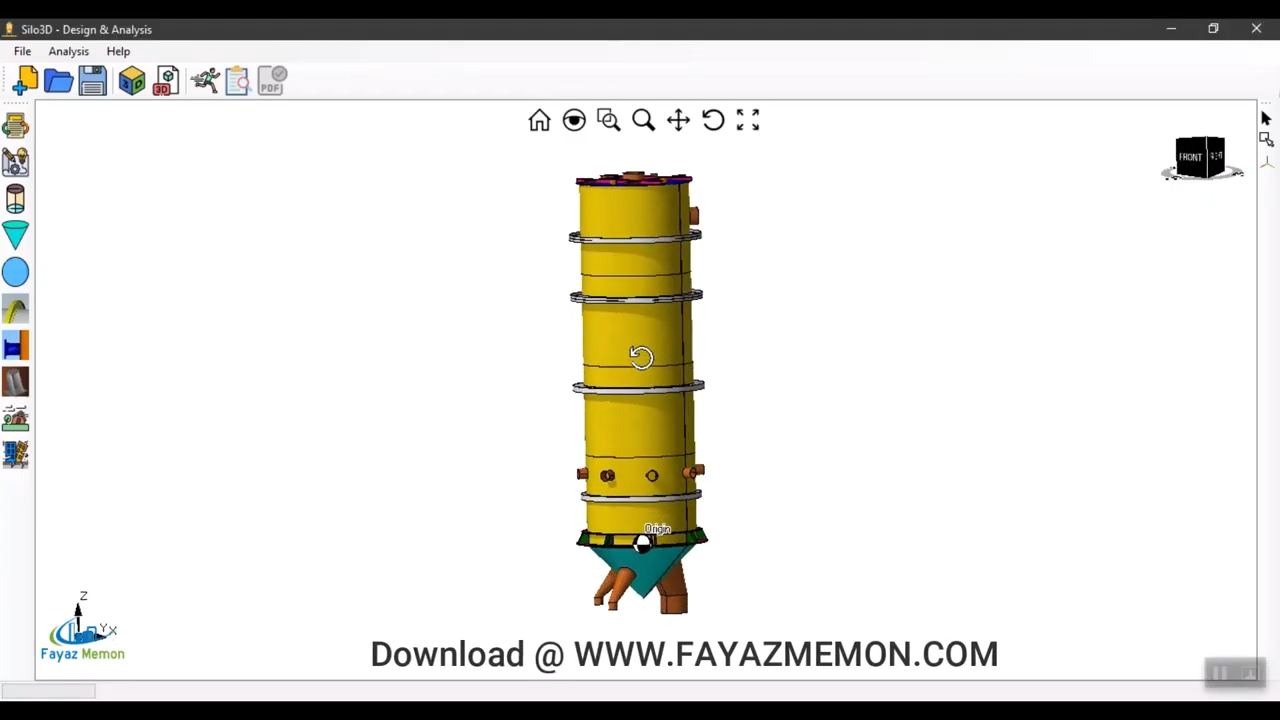
Silos storing bulk solids — grain, cement, coal, ash — face a fundamentally different loading problem than liquid-storage tanks: the transition from hydrostatic-like pressure to granular solid dynamics, where frictional forces and asymmetric discharge loads can drive shell buckling or wall failure that general-purpose CAD software has no way to check. Silo3D is a dedicated design and analysis environment built specifically around that problem.
Define cylinder height, diameter, hopper angle, support configuration, and stored-material properties (density, friction, angle of repose) through a structured input interface — no manual formula lookup.
Calculates axial compression, hoop stress, and lateral wall pressure from material weight and internal pressure, combined with site-specific wind and seismic loading.
Breaks the silo into shell rings, hopper, roof, lug supports, and stiffening rings, checking each against allowable stress and local buckling limits individually.
Generates a complete, page-by-page calculation report — every load case, formula, and pass/fail result documented — ready for client submittals and regulatory review.
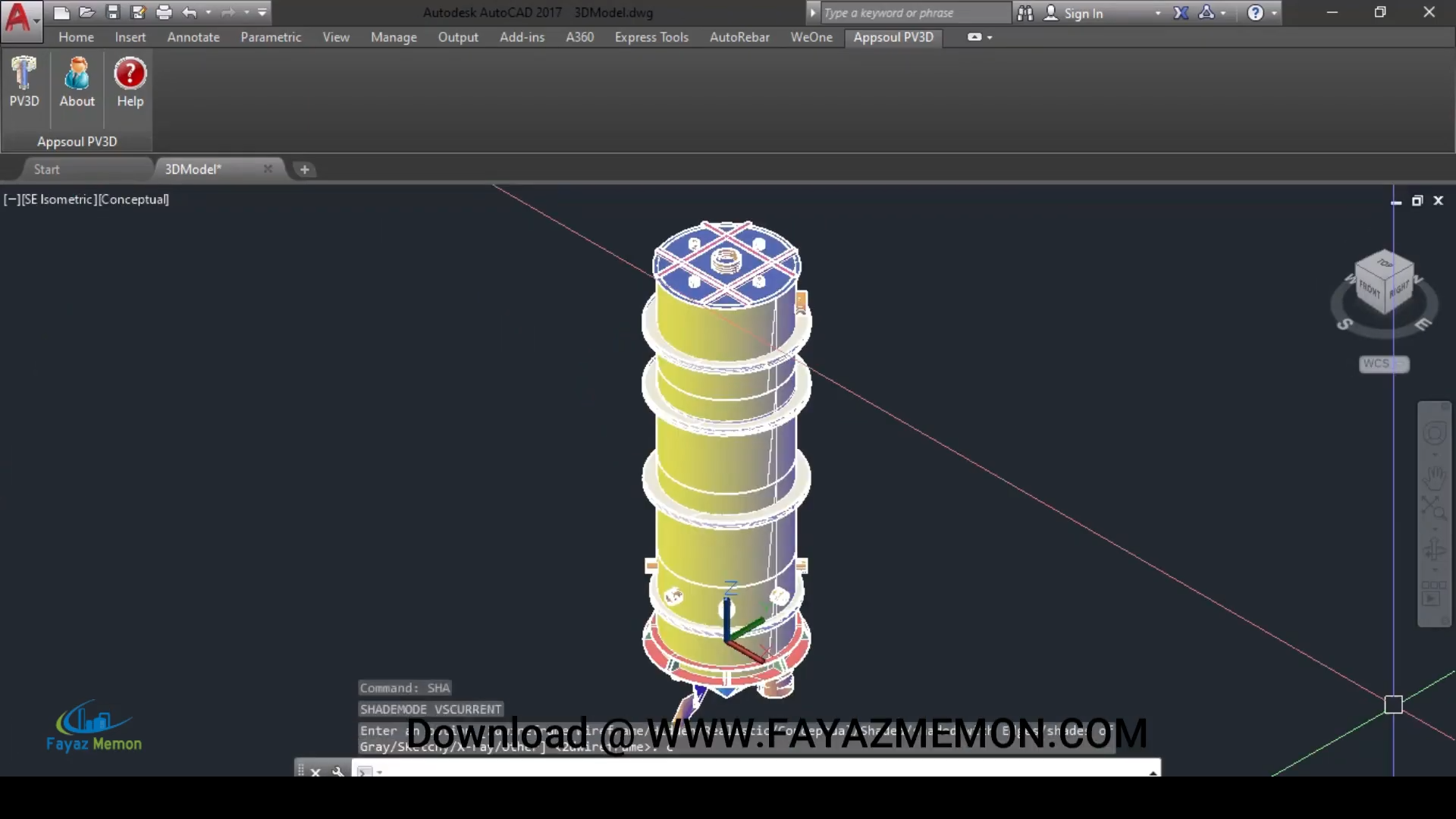
Every design input drives a fully associative 3D model — change a dimension and the geometry, welds, and supports update automatically.
Export to DWG, 3D PDF, WebGL, IGES, and STL for downstream use in AutoCAD, BIM coordination, stakeholder review, or manufacturing.
Silo geometry, hopper, supports, top cover, wind, and seismic data are entered through dedicated input screens — each one feeding directly into the structural calculation engine.
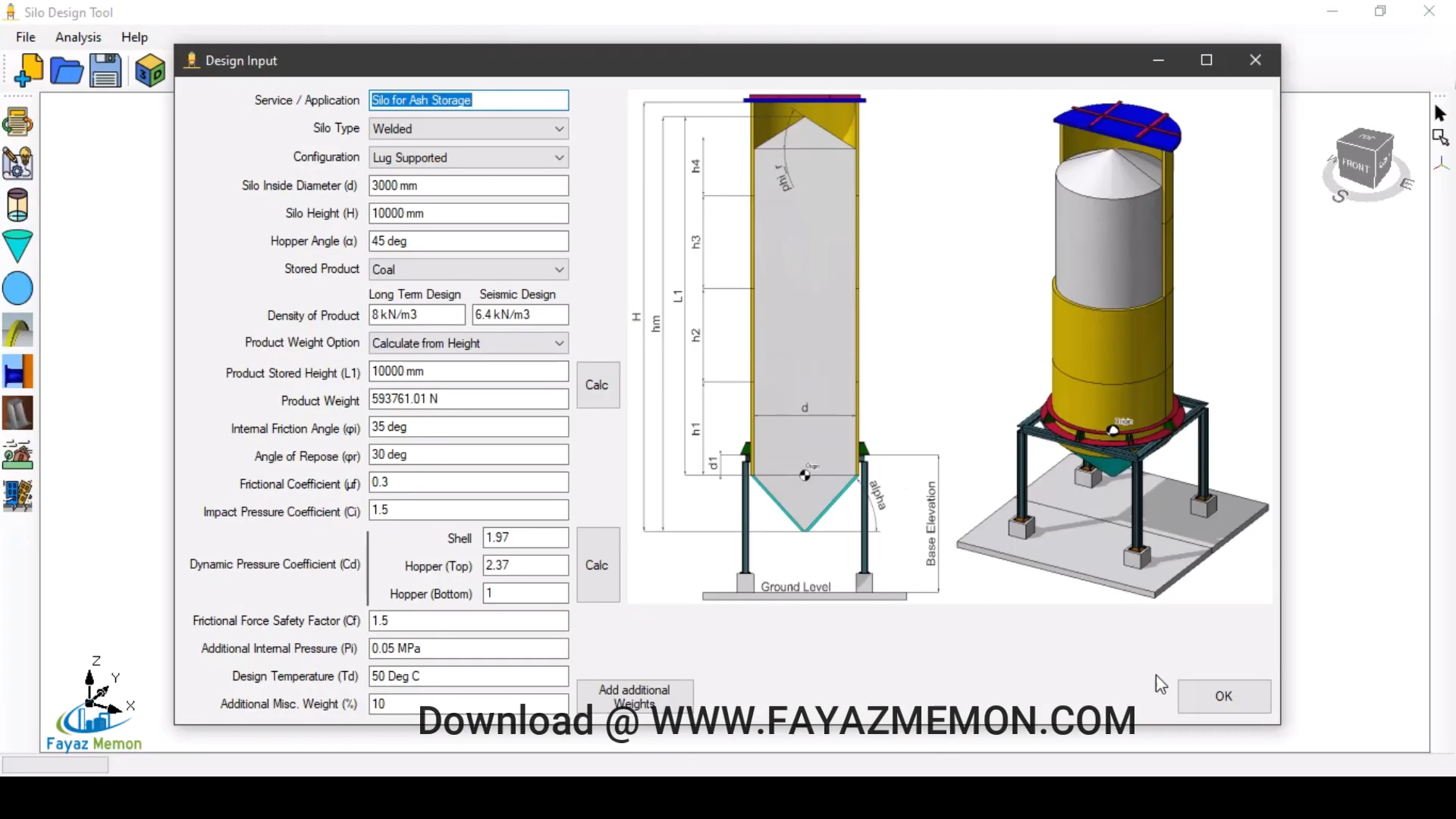
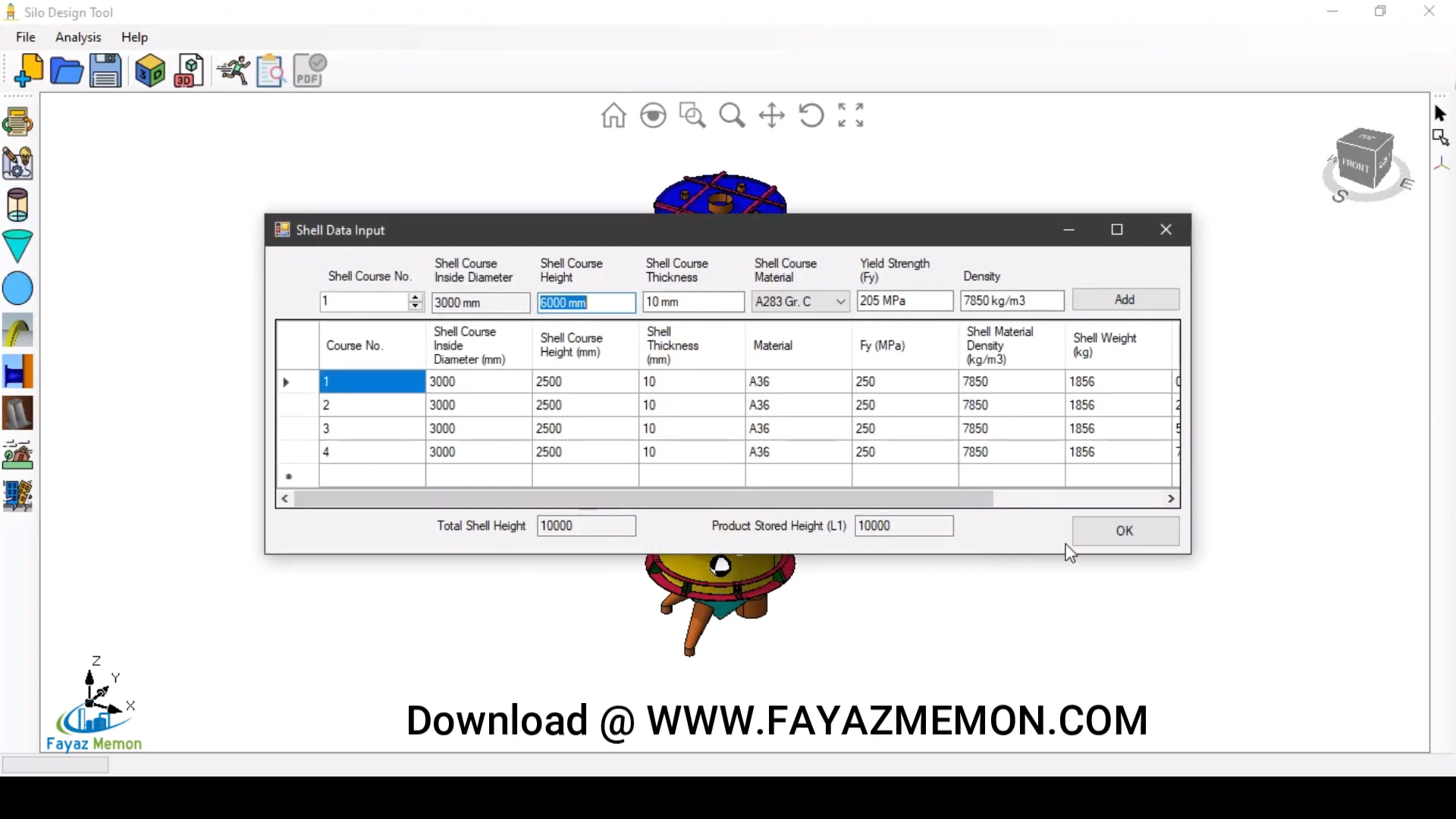
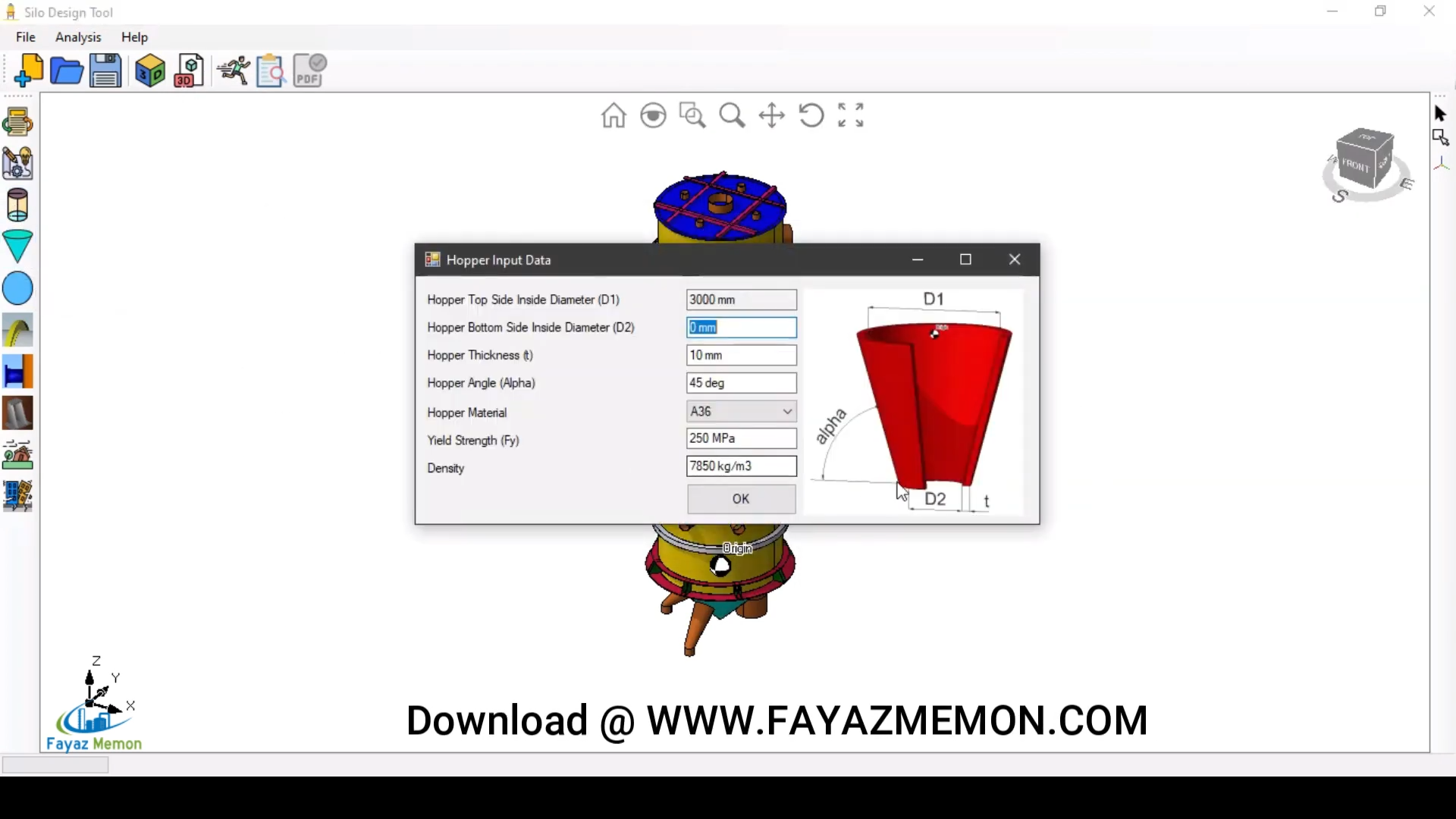
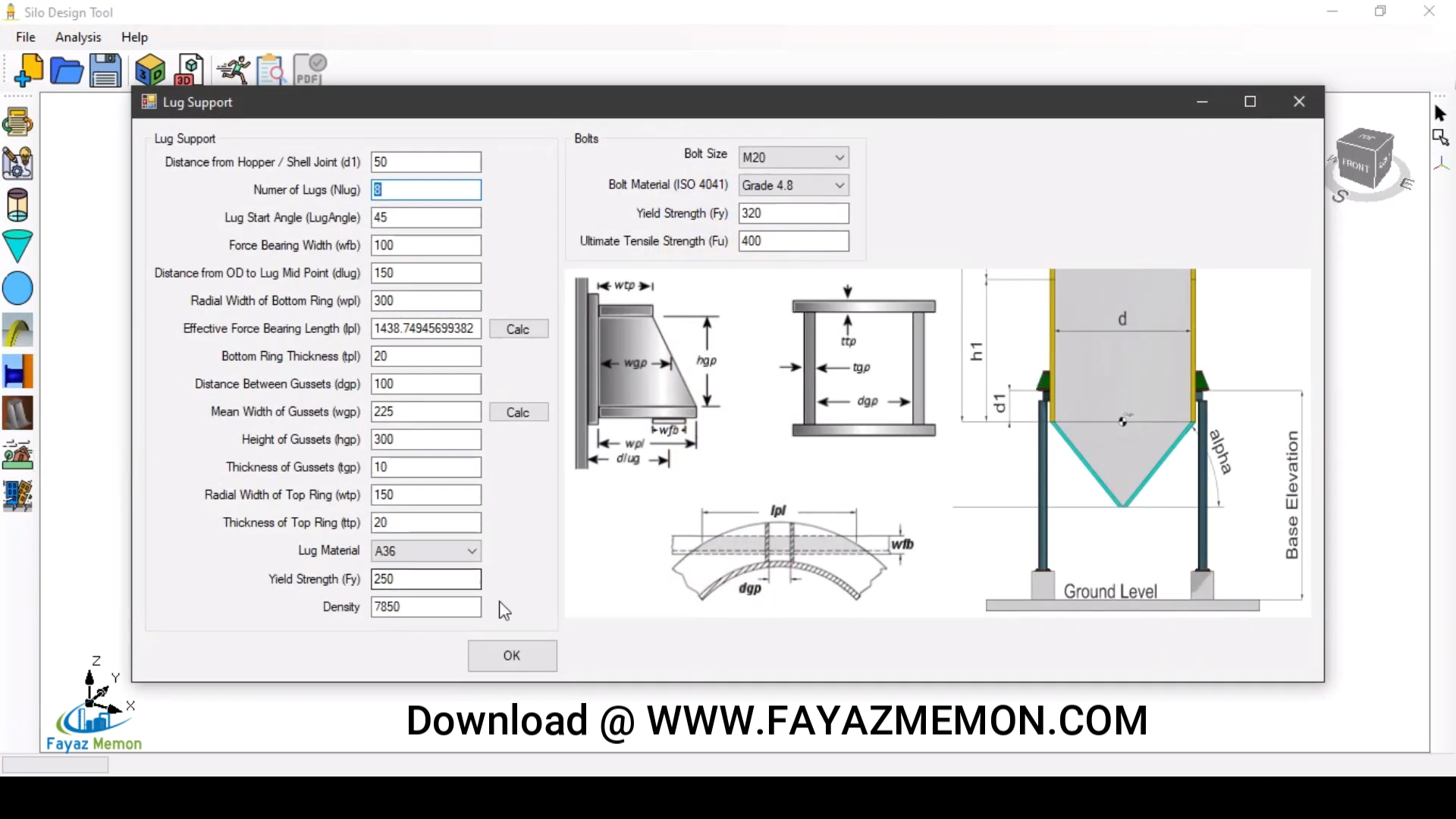
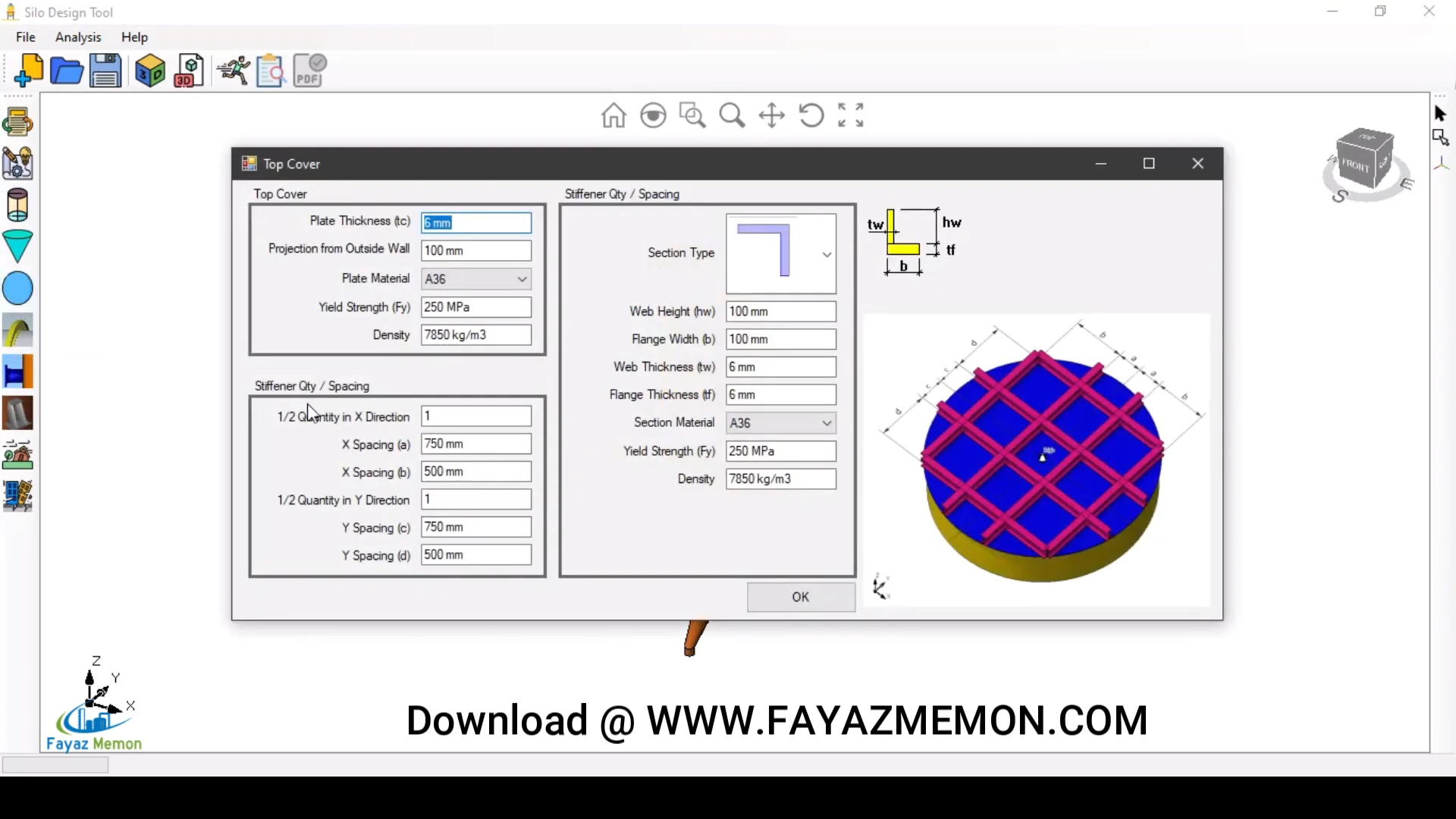
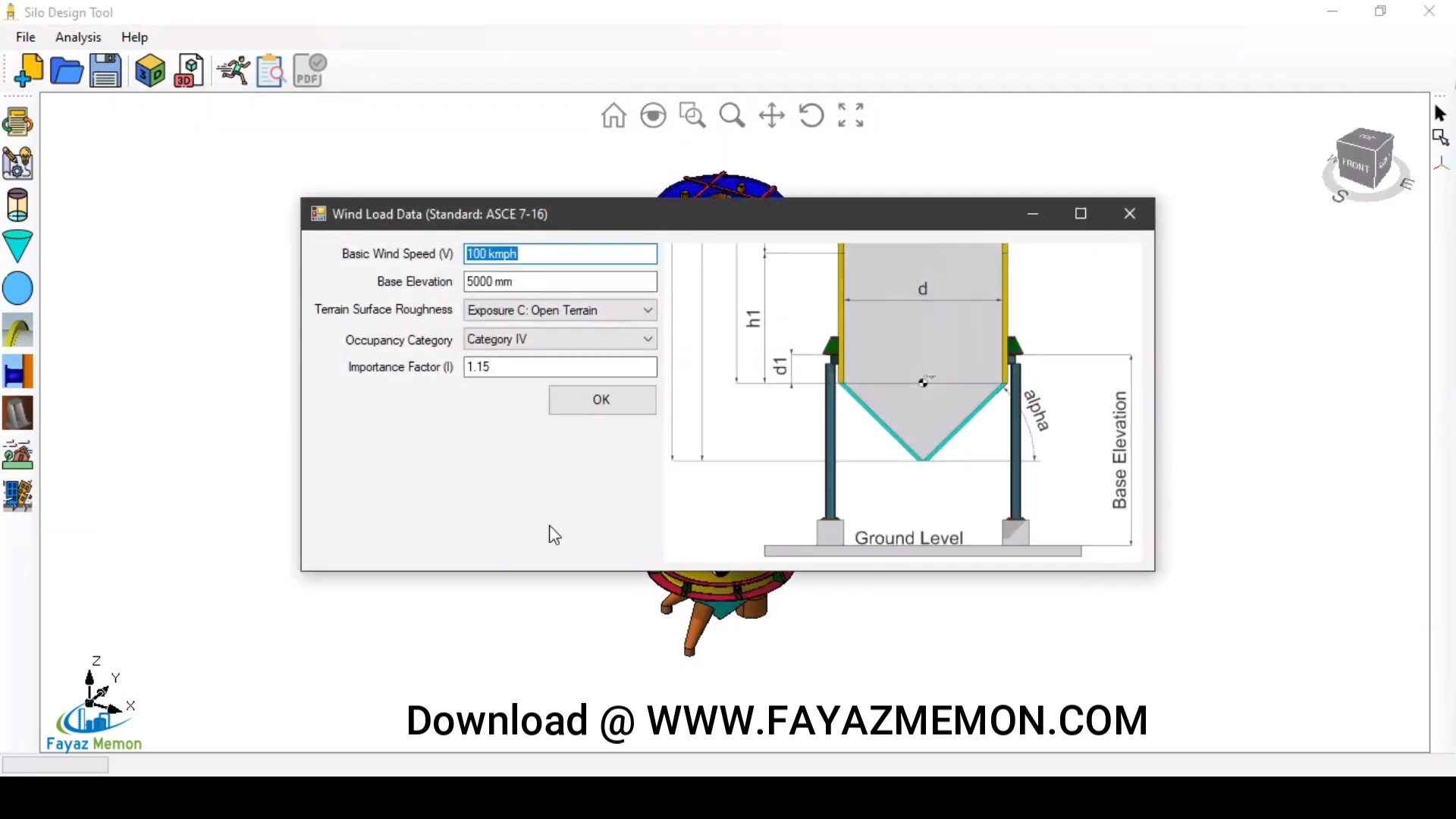
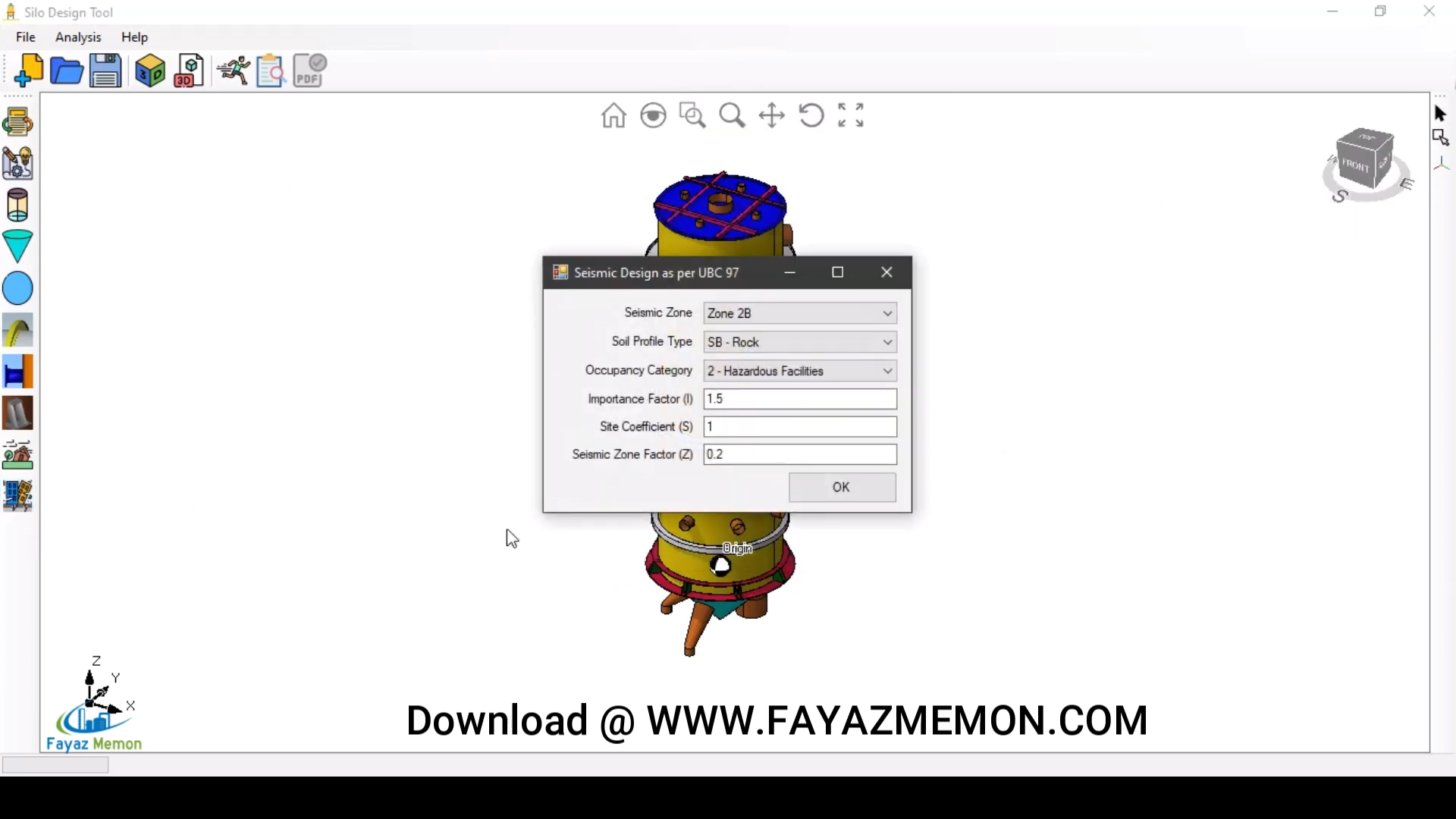
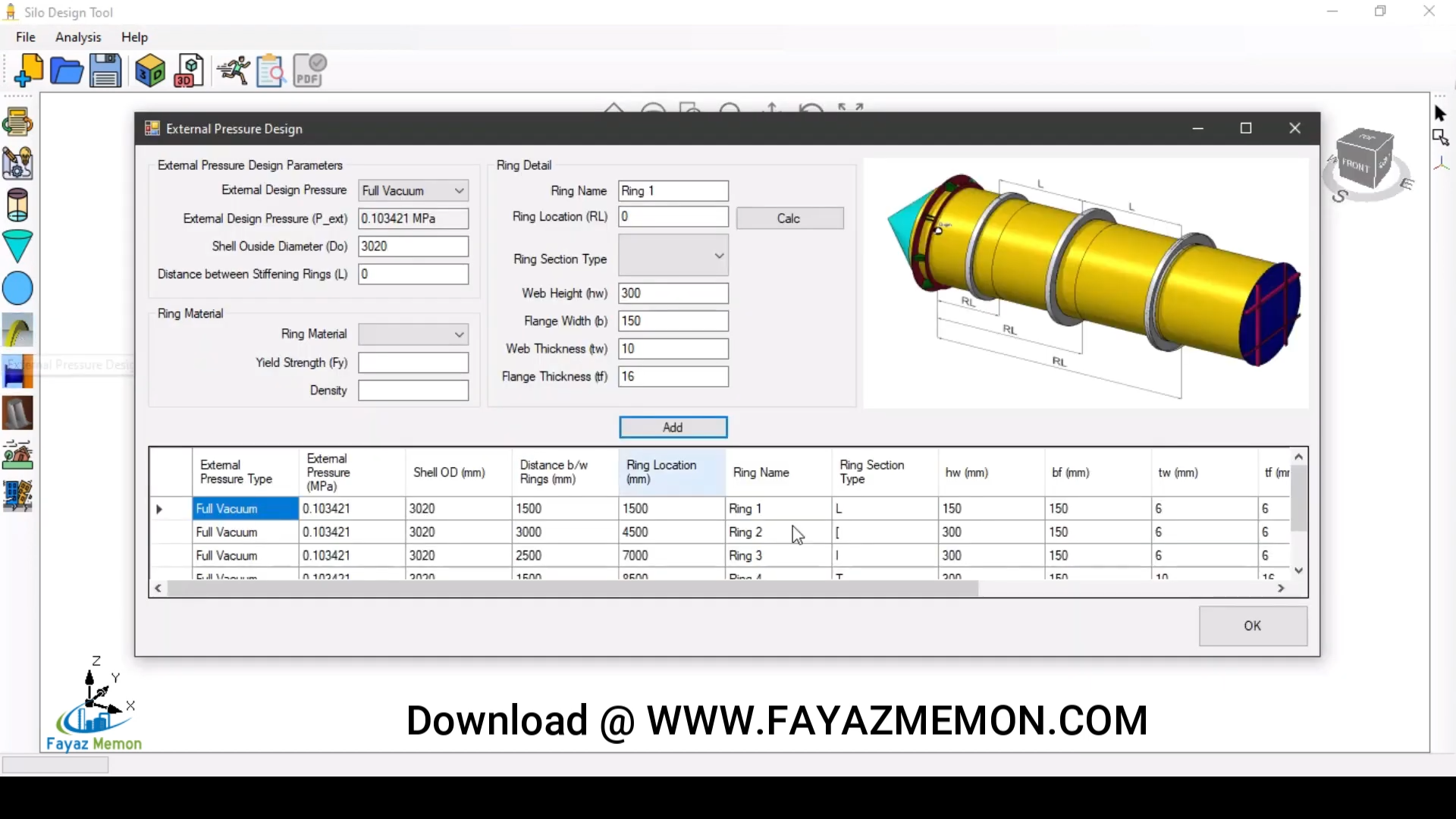
Silo3D evaluates the interplay between internal granular pressure and external environmental loads simultaneously, so the design is checked against the governing worst-case combination — not each load type in isolation.
| Load Type | Design Impact |
|---|---|
| Material Weight | Axial compression on the shell and support columns; bearing capacity requirements for the foundation. |
| Internal Pressure | Hoop stress and outward lateral pressure from the stored solid against the silo wall, in both static and discharge conditions. |
| Wind Load | Lateral stability, overturning moment, and potential for localized shell buckling under design wind speed. |
| Seismic Load | Dynamic resilience and ductility required to maintain structural integrity during a ground acceleration event. |
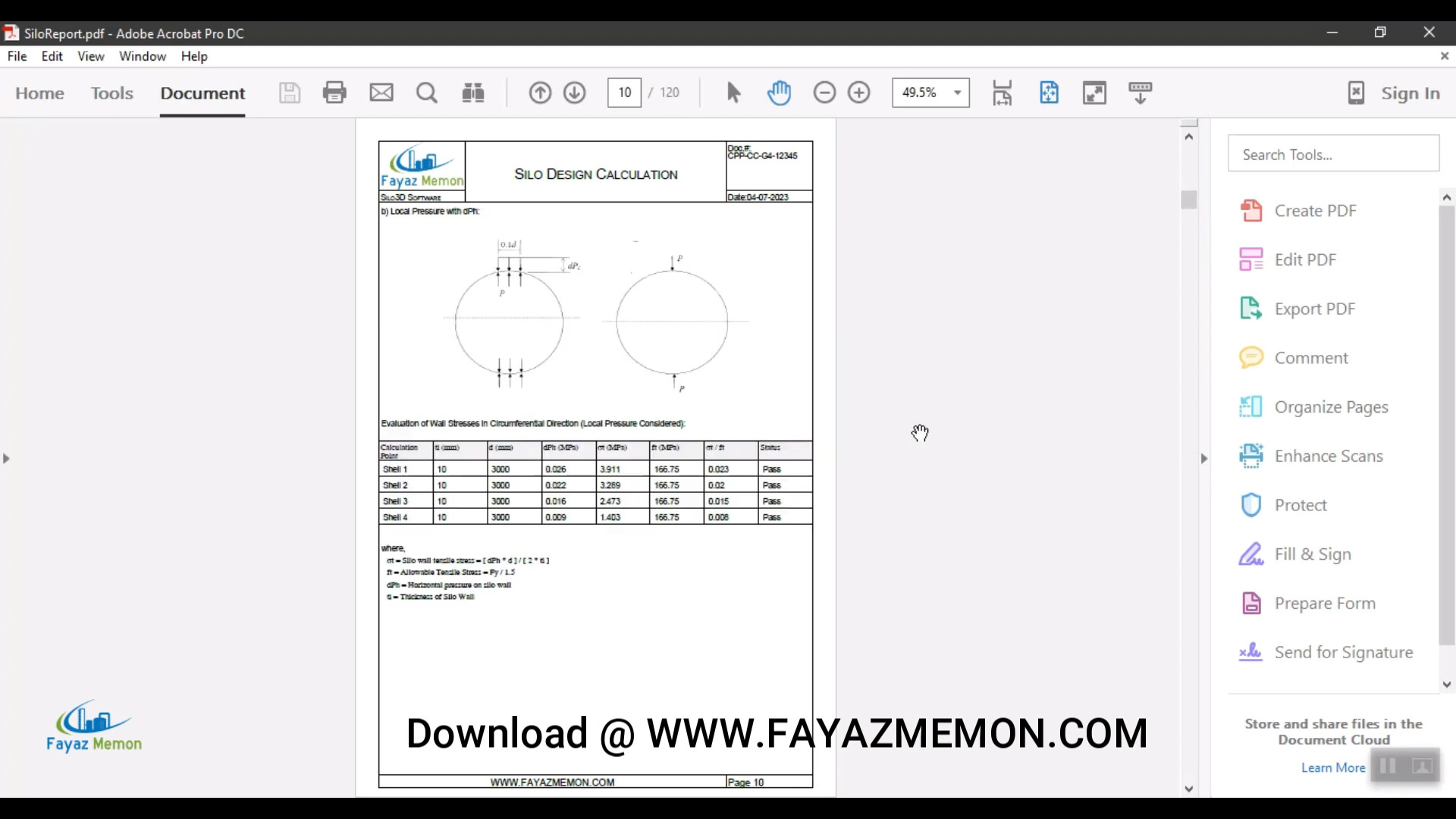
Every calculation point — shell rings, hopper, stiffening rings, nozzles, wind, weight — is tabulated on screen, then compiled into a paginated PDF report with every formula and pass/fail result documented.
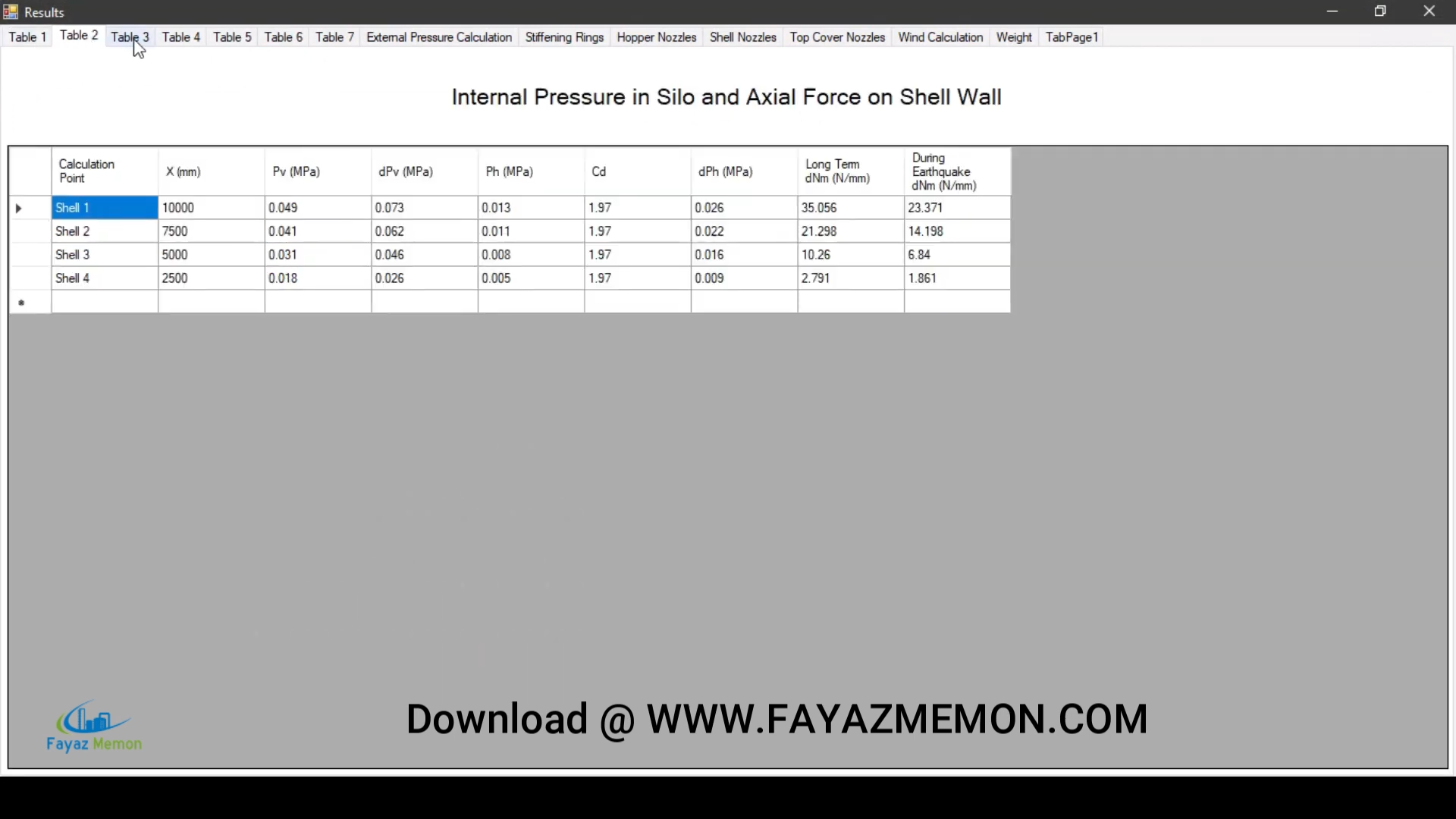
Silo geometry, stored material properties, and site-specific wind/seismic conditions.
Silo3D calculates combined loading across every component and flags any stress or buckling exceedance.
Adjust plate thickness or stiffener spacing until every component clears its safety factor.
Export the full calculation set as a paginated PDF for internal QA, client submittal, or regulatory review.
Send the finished design to DWG, 3D PDF, WebGL, IGES, or STL for downstream CAD, BIM, or fabrication use.
A silo is never designed in isolation — it has to fit into conveyors, plant structures, and existing site infrastructure. Silo3D exports to every format your team or your client already uses.
Native AutoCAD integration — use "flatshot" to generate precise 2D construction drawings from the 3D model.
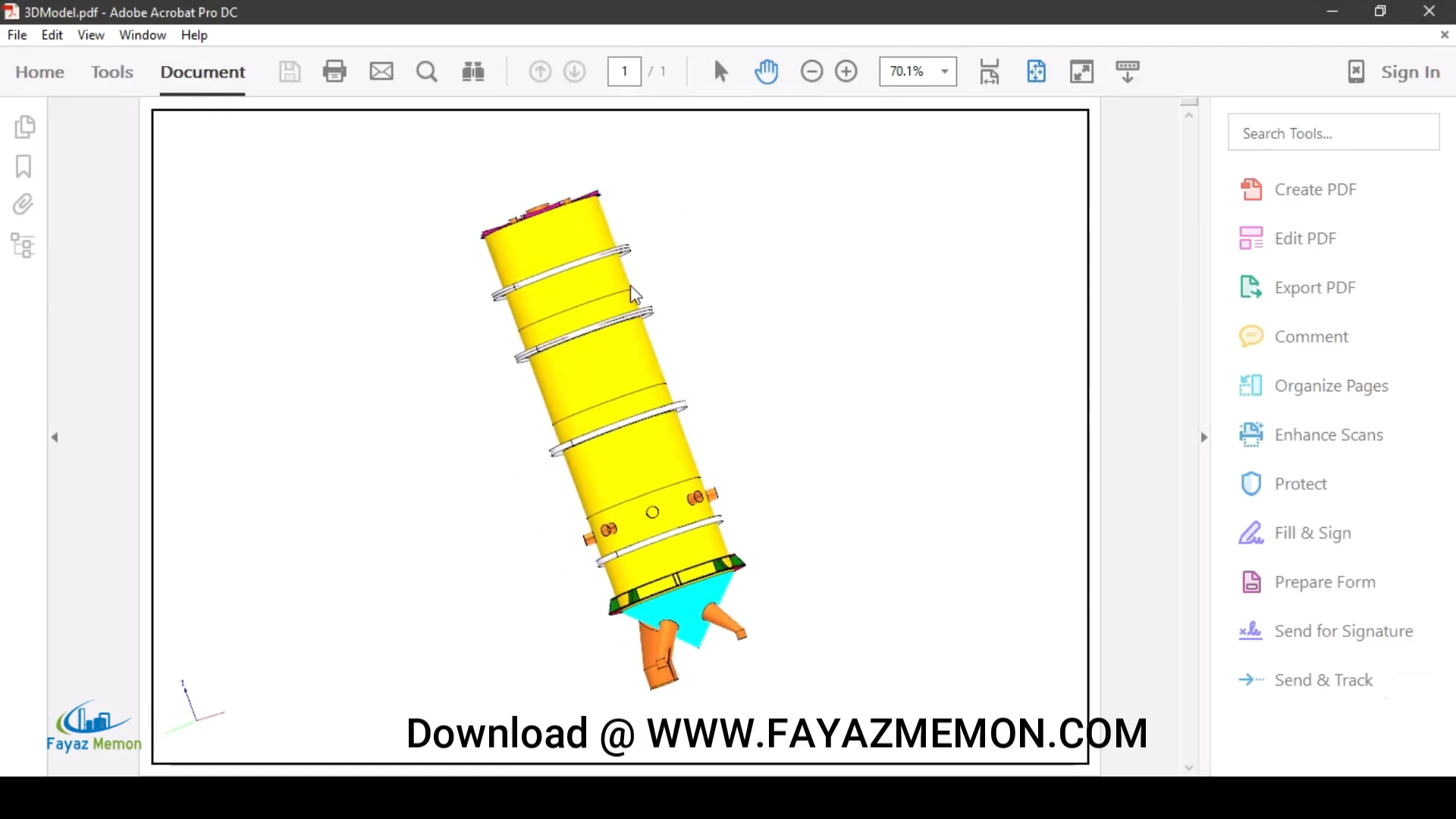
Any stakeholder can rotate and inspect the model in a standard Adobe PDF reader — no CAD license required.
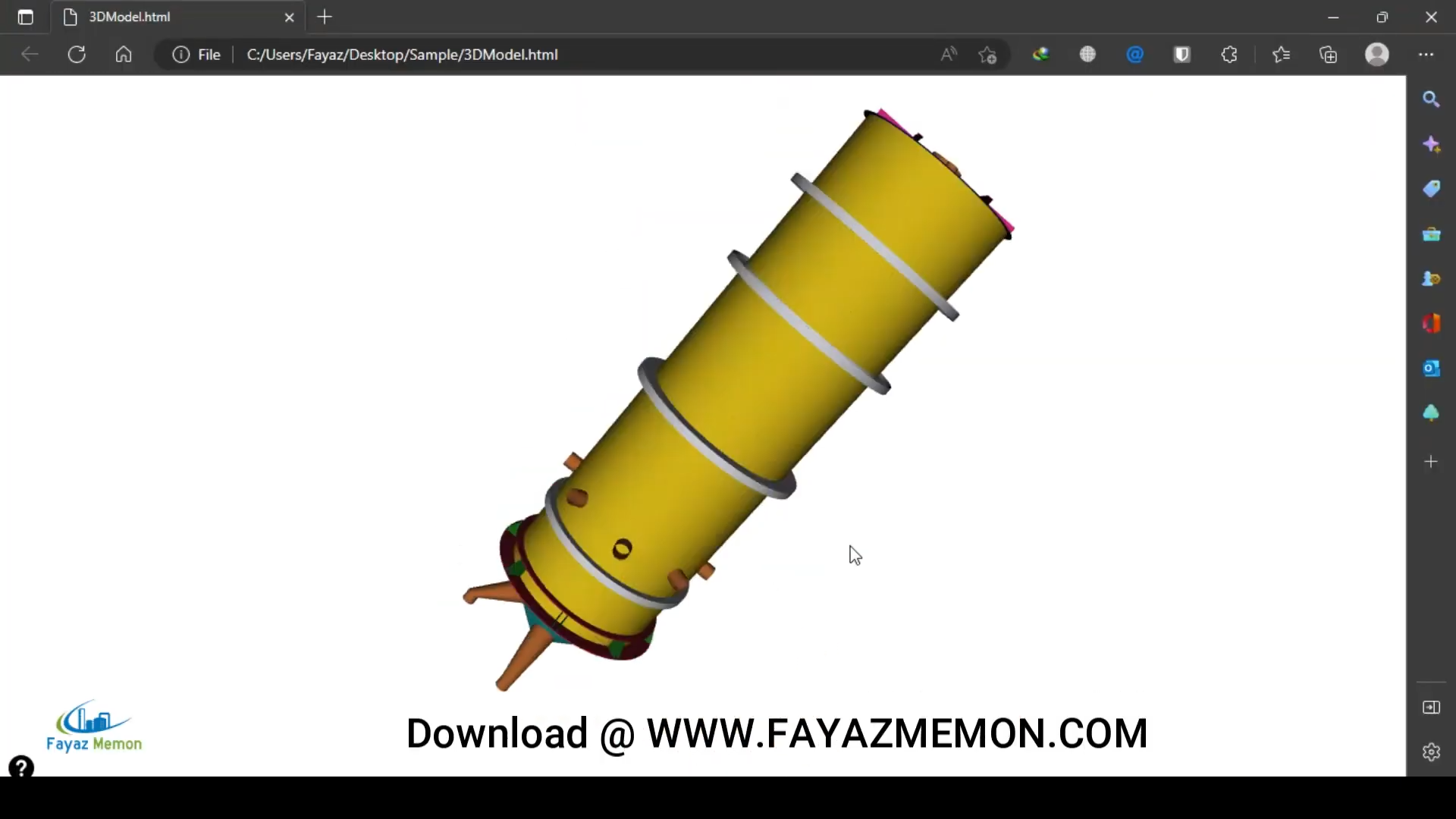
Browser-based interactive 3D viewer, shareable over a web link for fast stakeholder review.
Industry-standard geometry exchange formats for import into other 3D modeling, BIM, or manufacturing platforms.
Windows desktop application, licensed under an annual subscription. Install the trial to explore the full design and analysis workflow before licensing.
⬇ Download Silo3D